
Capture or drop in a take
Watch the waveform and a provisional pitch line while Capture records. Press Stop for editable notes from the complete take. You can also import or drop in one WAV, AIFF or FLAC file.
Free trial available
Capture or drop in a solo vocal and work note by note. Adjust pitch, formant, level, timing, drift and vibrato, then listen in your DAW or the standalone app.
€6.99one-time
Try free for 30 daysOr get all eighteen plugins with Spark Complete for €27.99. Your free trial starts on activation. No card, no automatic charge.
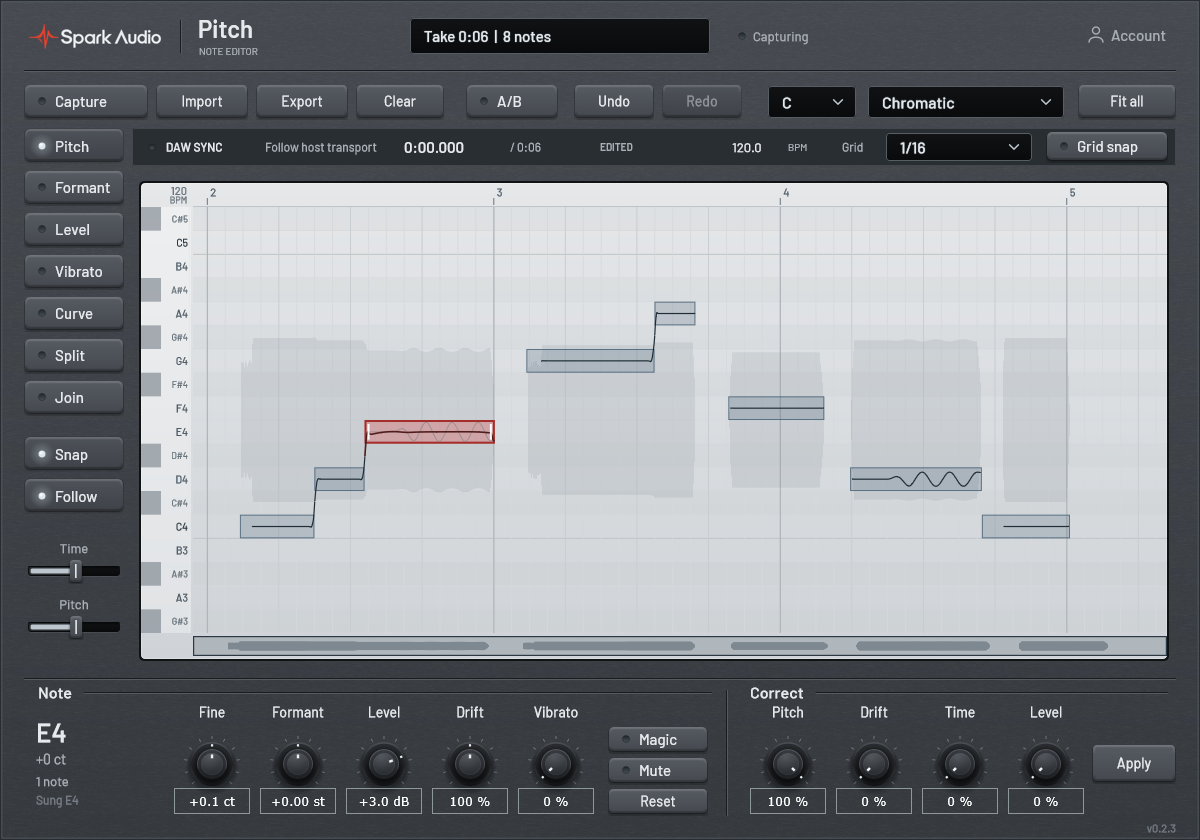
Detailed control for a single vocal line.
Watch the waveform and a provisional pitch line while Capture records. Press Stop for editable notes from the complete take. You can also import or drop in one WAV, AIFF or FLAC file.
Select a highlighted note and drag to adjust its pitch or timing. Two edge grips mark where to change its length. Choose a key and scale for snapping, or make free adjustments.
Use the named Formant and Level controls below the roll to adjust each selected note independently.
Use the named Drift and Vibrato controls to shape the selected note. The Curve tool adds labelled IN and OUT grips for entry and exit drift when the note is wide enough.
Move and stretch notes, split a note or join neighbouring notes. Choose quarter, eighth, eighteenth or thirty-second notes, triplets, or Free. Turn on Grid snap for timing drags; pitch snapping stays independent.
Play and pause edits in the standalone app, seek along the ruler or loop the whole take. Compare original and edited audio with A/B, undo changes, and export a 32-bit float WAV that preserves the rendered level and headroom.
Actual plugin interface.
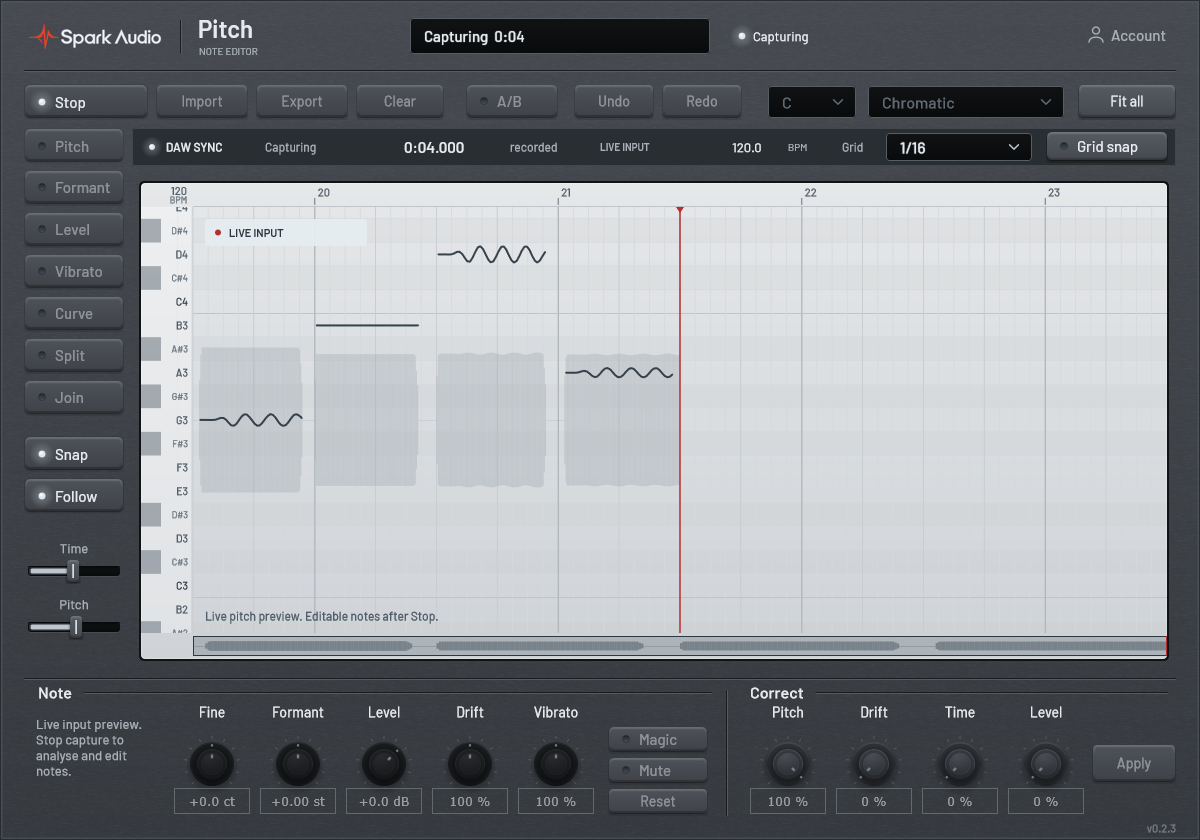
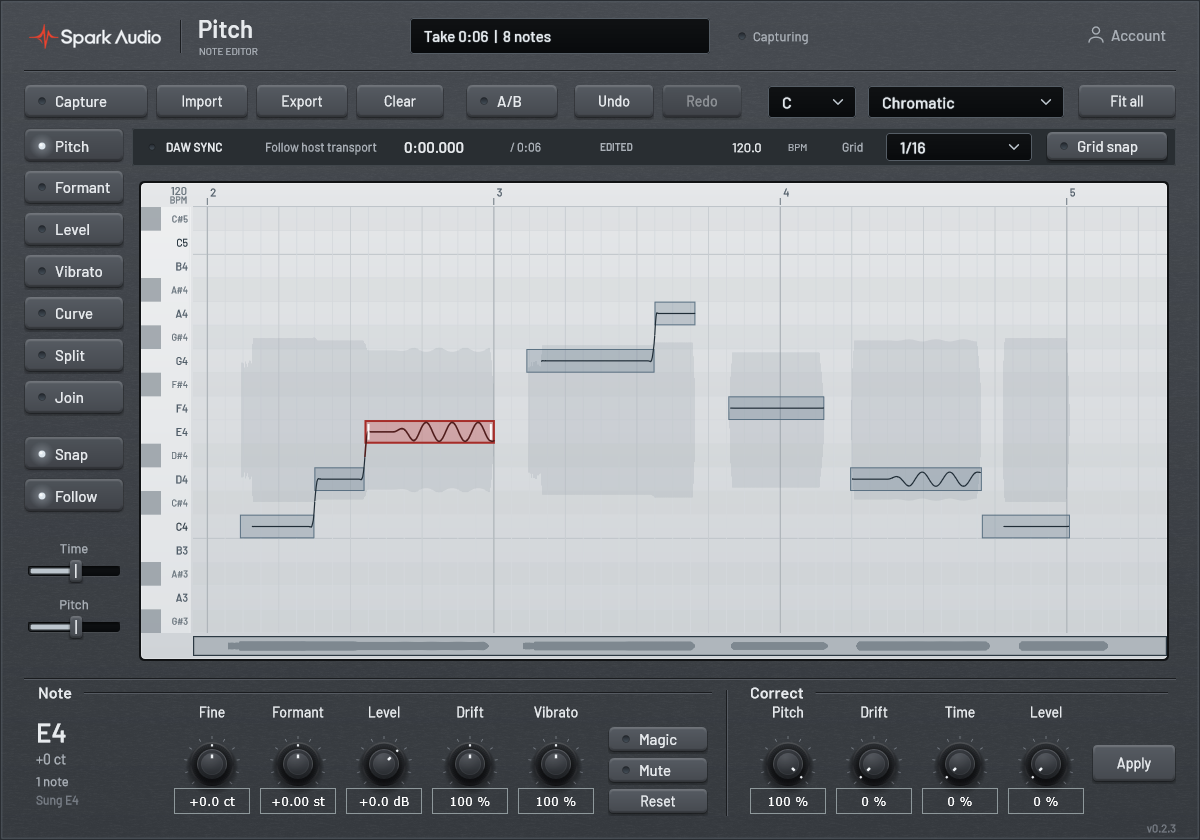
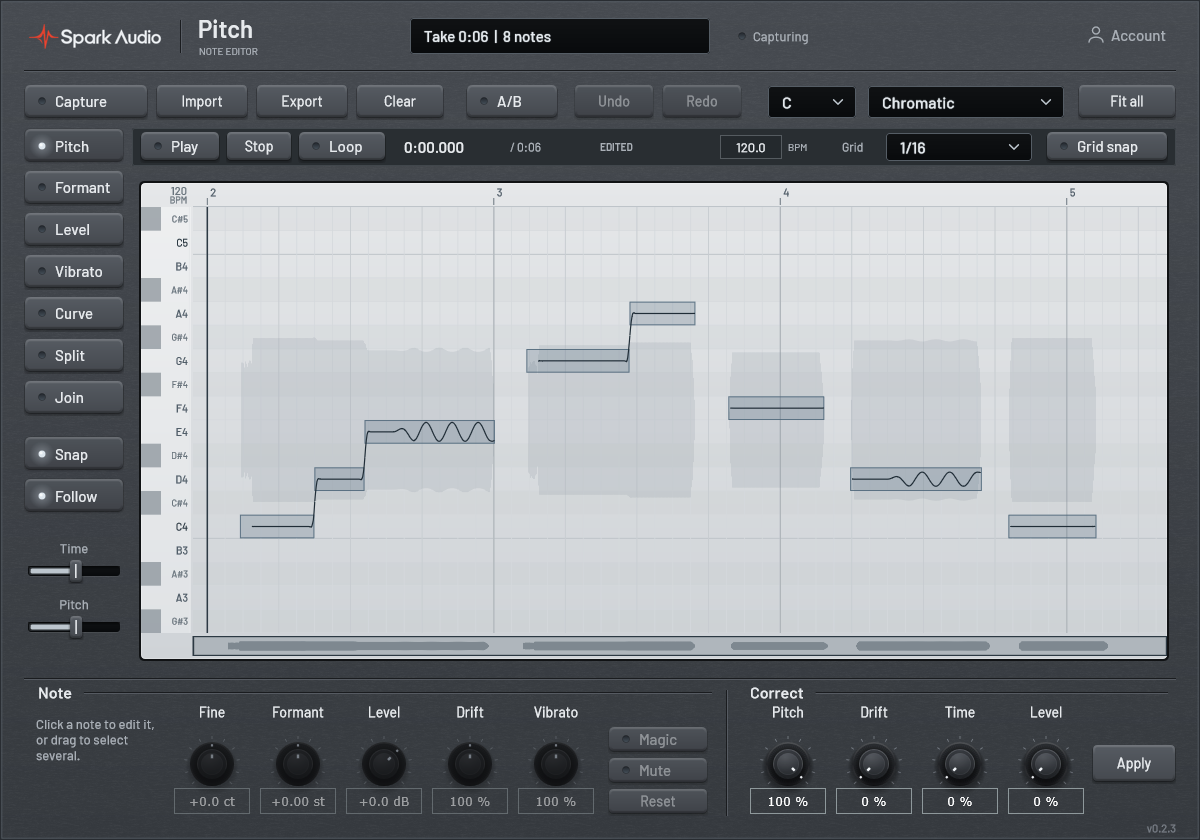
In your DAW: insert Pitch on a solo vocal track. Capture the section while the DAW plays and watch the live waveform and provisional pitch. The rolling preview shows up to the latest eight seconds; the complete take is retained. Press Stop for final editable notes, then replay that section. Captured playback follows the host timeline. You can also import or drop in a file.
Without a DAW: open the standalone app and import or drop in one vocal file. Press Play to hear your edits, click or drag the ruler to seek, or turn on Loop to repeat the take. Stop returns to the beginning. Space plays or pauses and Home rewinds while the editor is focused. Set the tempo for the timing grid; changing it does not stretch the audio.
Pitch works with one voice at a time. It does not use ARA or automatically read and follow DAW clips.
Start a 30-day Pitch trial. No card required.
Start free trial