
Input
Set how hard the mix hits the processing. Watch the input level and low, mid and high reduction meters while you find the right balance.
Free trial available
Bring your mix together. Shape its glue, character and final level with four main controls, three-band dynamics and an oversampled limiter.
€5.99one-time
Try free for 30 daysOr get all eighteen plugins with Spark Complete for €27.99. Your free trial starts on activation. No card, no automatic charge.
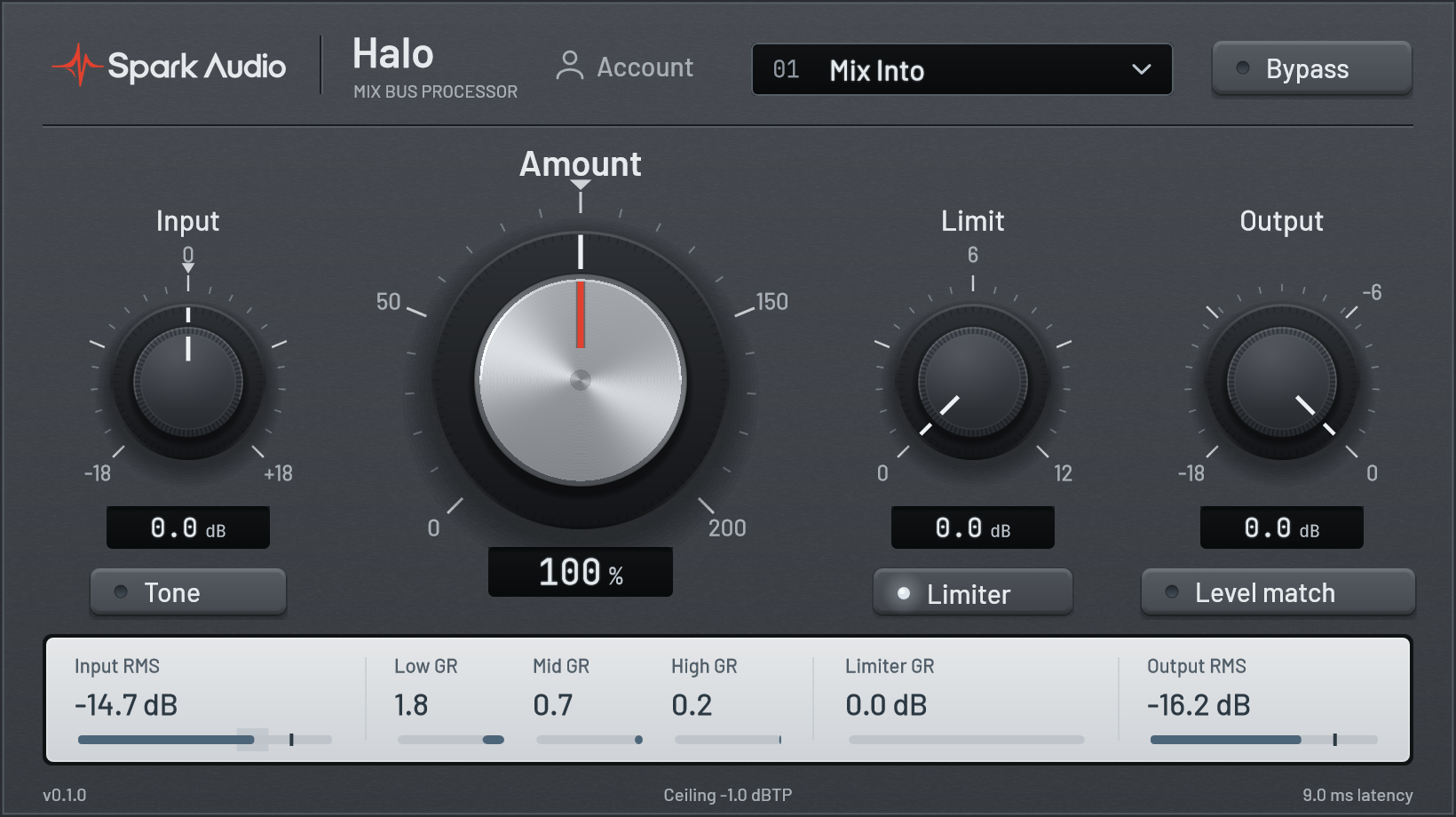
Mix into Halo, then make small moves as the track takes shape.
Set how hard the mix hits the processing. Watch the input level and low, mid and high reduction meters while you find the right balance.
Move from 0 to 200% to adjust three-band compression and gentle harmonic character together. Stereo-linked dynamics keep both sides moving together.
Add up to 12 dB of drive into the lookahead limiter. Its fixed -1 dBTP ceiling and 8× oversampled processing control the final peaks.
Trim the final level by up to 18 dB. Enable Level match to attenuate added loudness while comparing the processing, then set your final output.
Open Tone for low, mid and high adjustments. Each band offers up to 3 dB of boost or cut before the dynamics, for controlled changes to the mix balance.
Input and output levels, three-band gain reduction and limiter reduction stay visible in a compact editor. The meters follow the audio you are actually processing.
Keep the main controls close. Open Tone when the mix needs a small tonal adjustment.
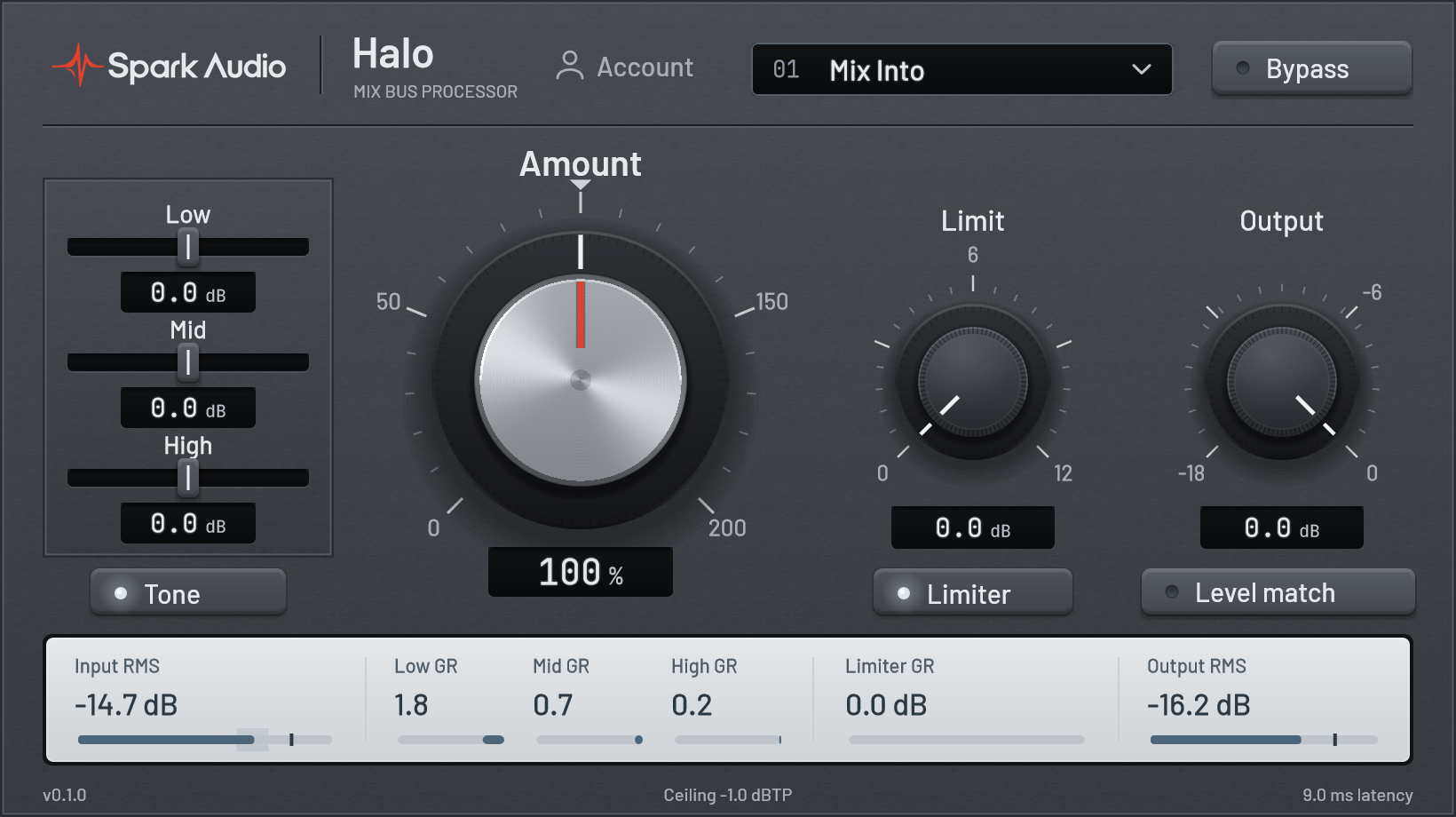
Place Halo on your mix bus and play a representative section. Start with Amount at 100%, set Input for the response you want, then raise Limit to bring up the final level. Compare at a similar listening level and adjust the mix upstream when a band is working too hard.
Use lower Amount settings for subtle bus processing. Amount at 0% removes the dynamics and harmonic character; Tone and the independently enabled limiter remain active. Use Bypass to compare the whole processor.
Start a 30-day Halo trial. No card required.
Start free trial