
Threshold
Set sensitivity while the detector follows changes in vocal level. Lower values catch gentler consonants. New instances open with Adaptive enabled.
Free trial available
Tame sharp S, SH and T sounds with adaptive detection that follows the vocal. Set Threshold, Focus and Range, then match Output. The detector and recovery adjust to the signal, with zero added latency.
€3.99one-time
Try free for 30 daysOr get all eighteen plugins with Spark Complete for €27.99. Your free trial starts on activation. No card, no automatic charge.
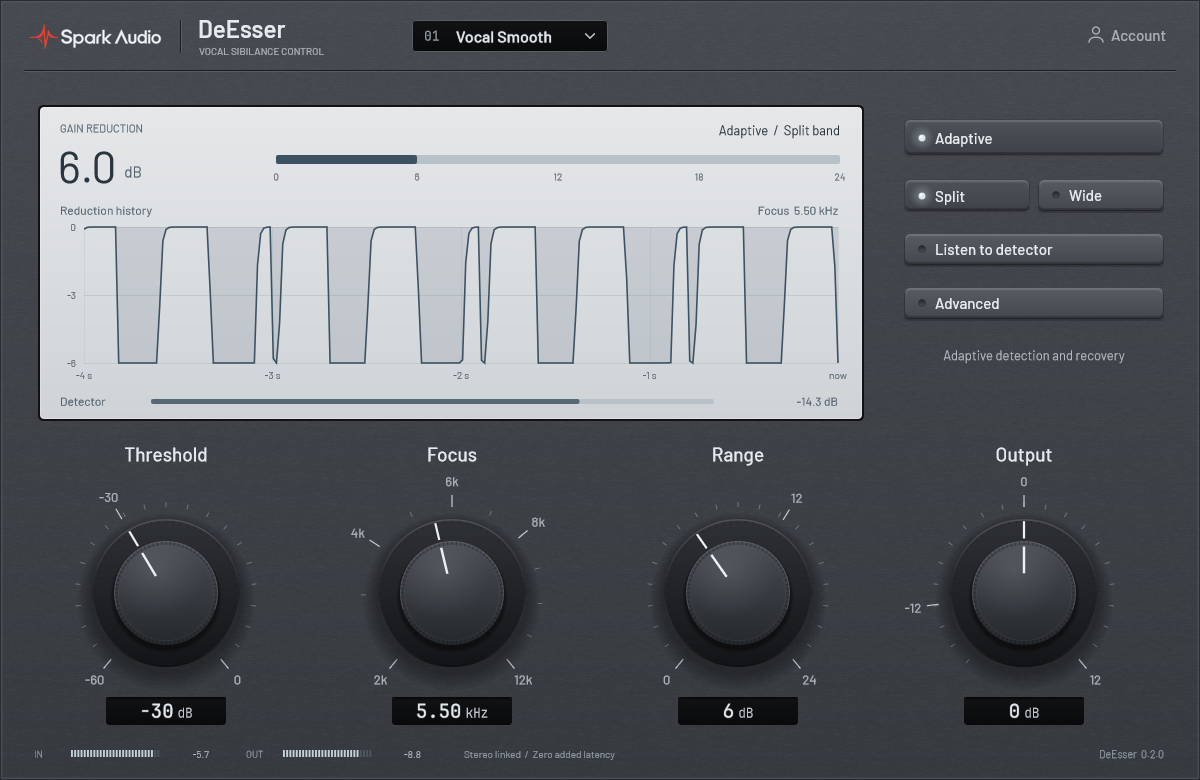
Adaptive processing combines frequency balance and voicing detection to target sibilance while protecting the body of the vocal.
Set sensitivity while the detector follows changes in vocal level. Lower values catch gentler consonants. New instances open with Adaptive enabled.
Focus the detector from 2 to 12 kHz. Lower values include SH sounds; higher values target brighter S sounds. Listen auditions the filtered detector.
Cap the reduction with Range and match the final level with Output. The default 6 dB range gives you a starting point for controlling consonants.
Split uses selective upper-frequency cuts. Wide reduces the full signal during a sibilant. Both modes share stereo-linked detection.
Reveal Attack, Release, Knee and Mix when you need them. Adaptive adjusts its timing around the consonant; Attack and Release trim that response.
Projects saved with earlier versions open in Classic to retain their original sound and automation. Switch to Adaptive when you want the new processing.
Advanced reveals the timing and blend controls. Hiding it keeps your settings and automation intact.
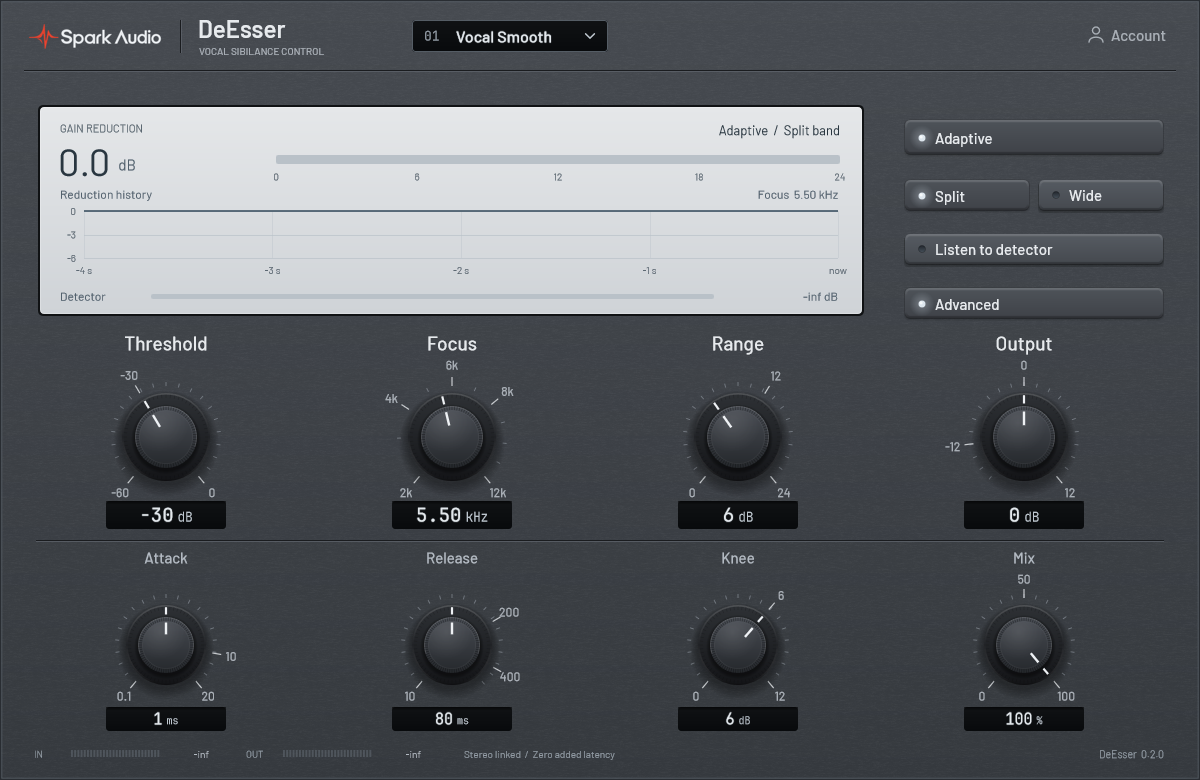
Listen in the arrangement and make small adjustments as the performance changes.
Start a 30-day DeEsser trial. No card required.
Start free trial